Alpha: Background Remover
Open a photo and the background is already gone. Click to keep only what you need, fix any edge with the brush and save a transparent PNG. Or drop a whole folder and export every cutout at once. Alpha runs entirely on your Mac: your photos are never uploaded, it works offline, and it's a one-time purchase.
What it does
Cut out as it opens
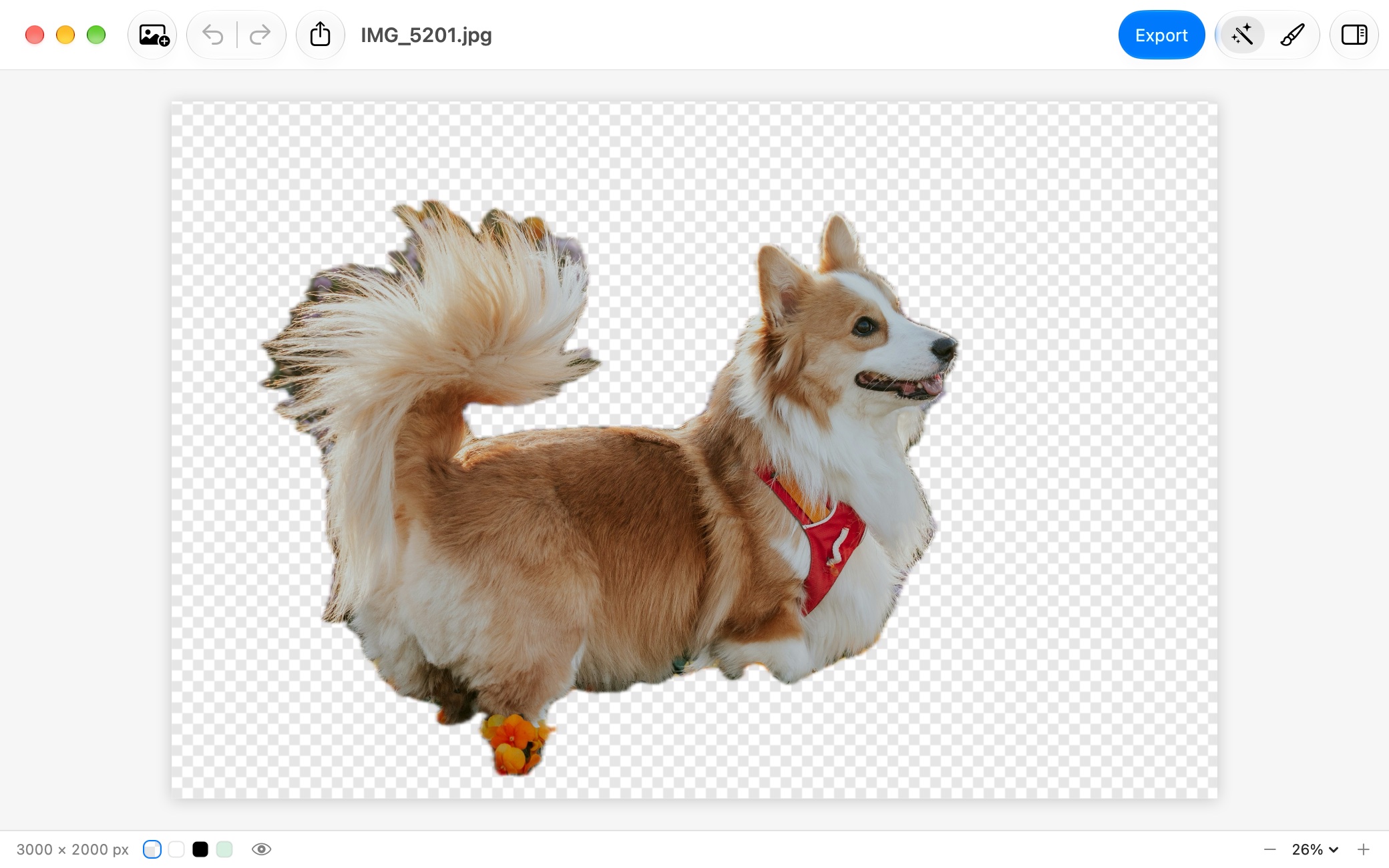
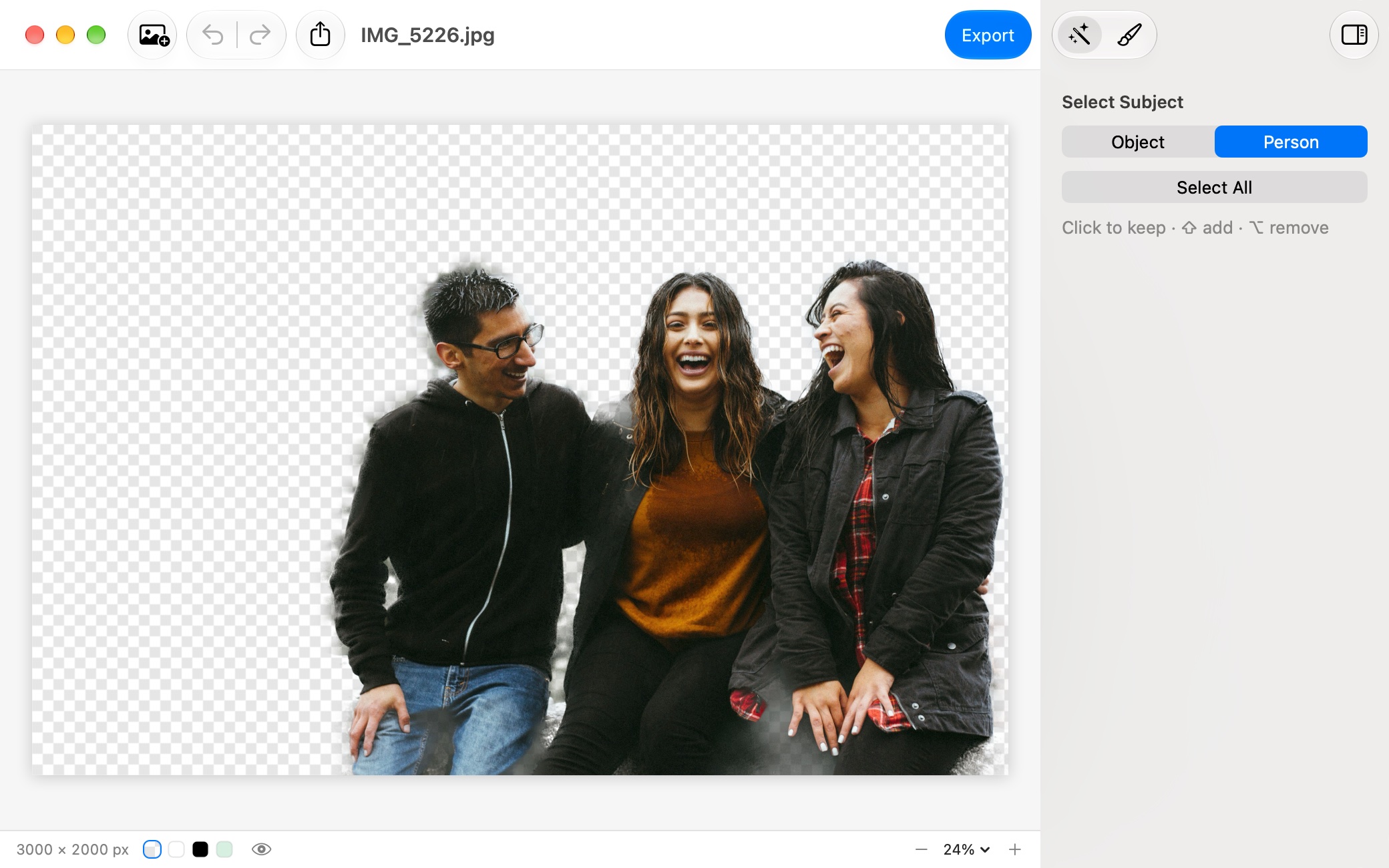
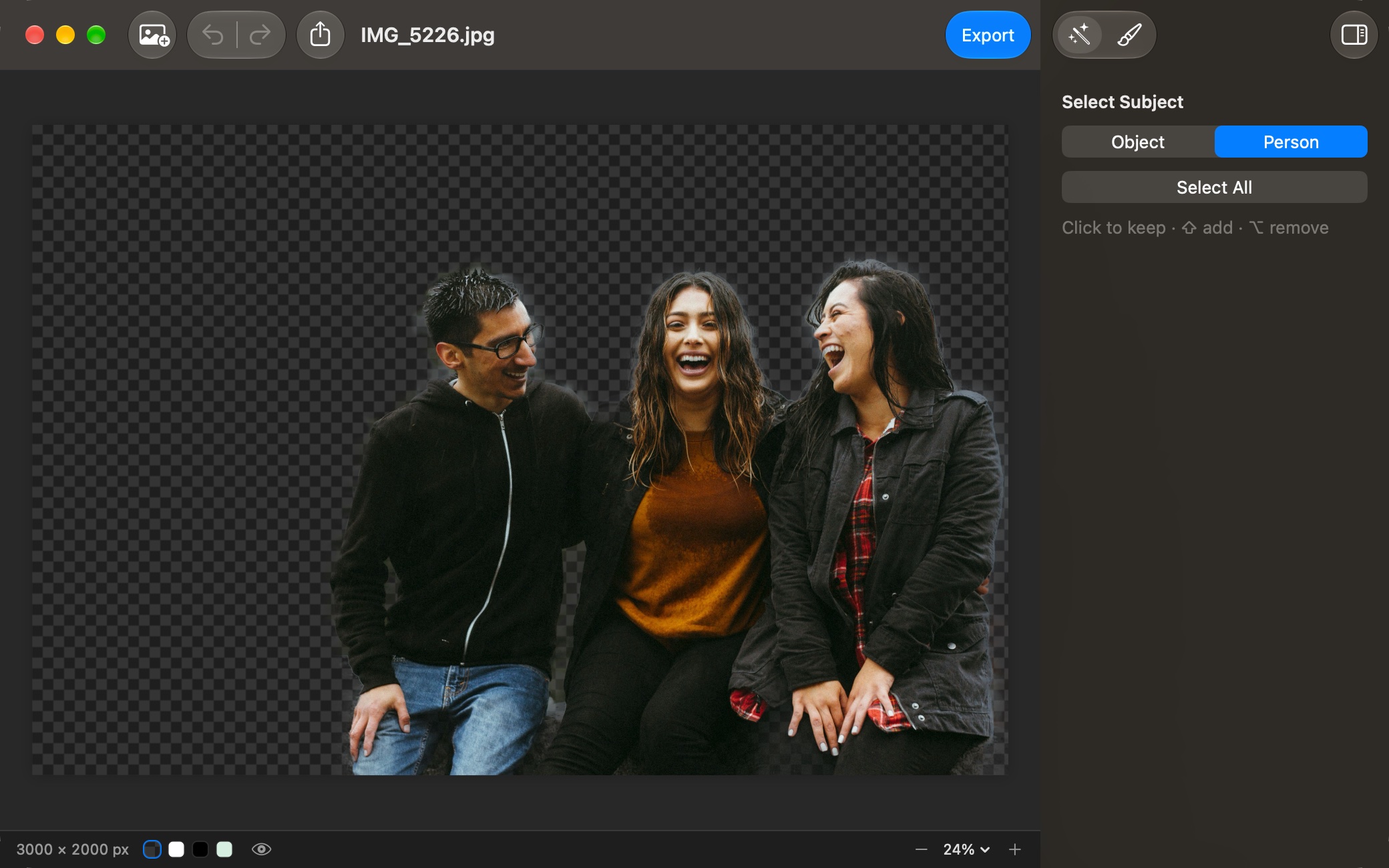
Alpha finds the subject the moment a photo opens: every object in the foreground, or up to four people. The rest becomes transparent. Undo brings the original back.
Click to choose what stays
Click an object to keep only it. Shift-click to add another, Option-click to take one away. Object mode is for products, pets and things, Person mode for people.
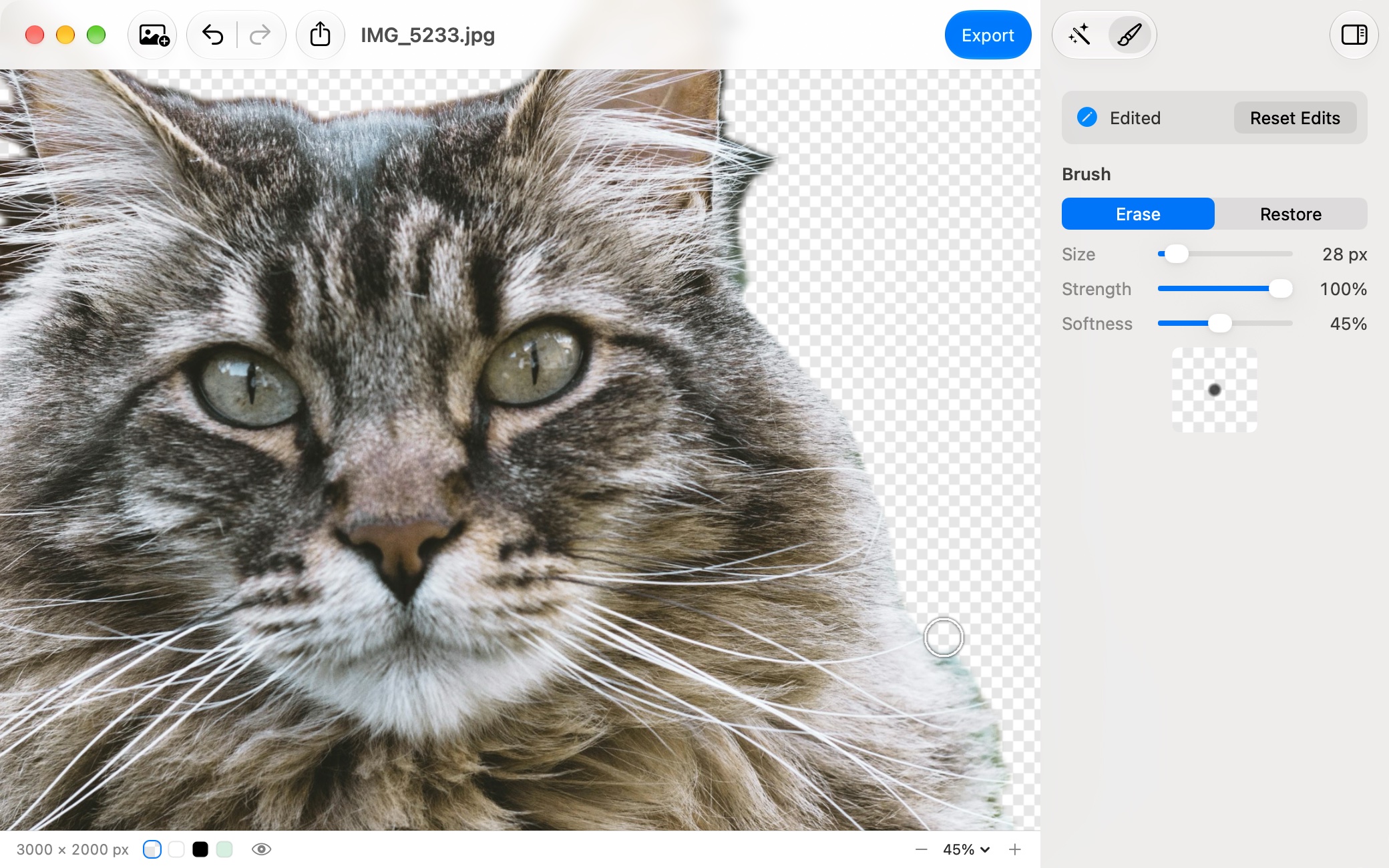
Fix any edge by hand
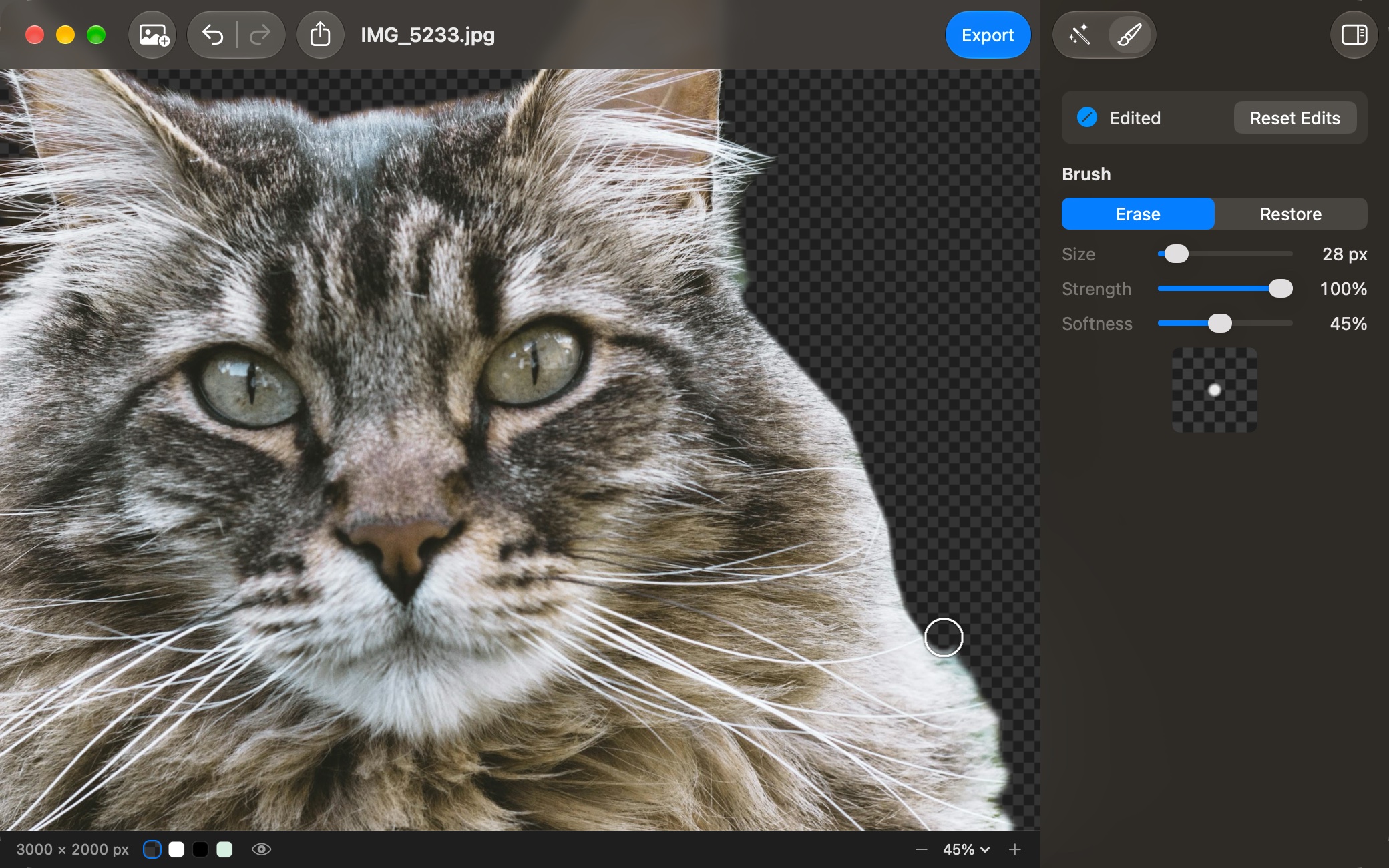
A brush that erases or restores, with its own size, strength and softness, for hair, fur and tricky edges. Hold \ to compare with the original at any moment.
A whole folder at once
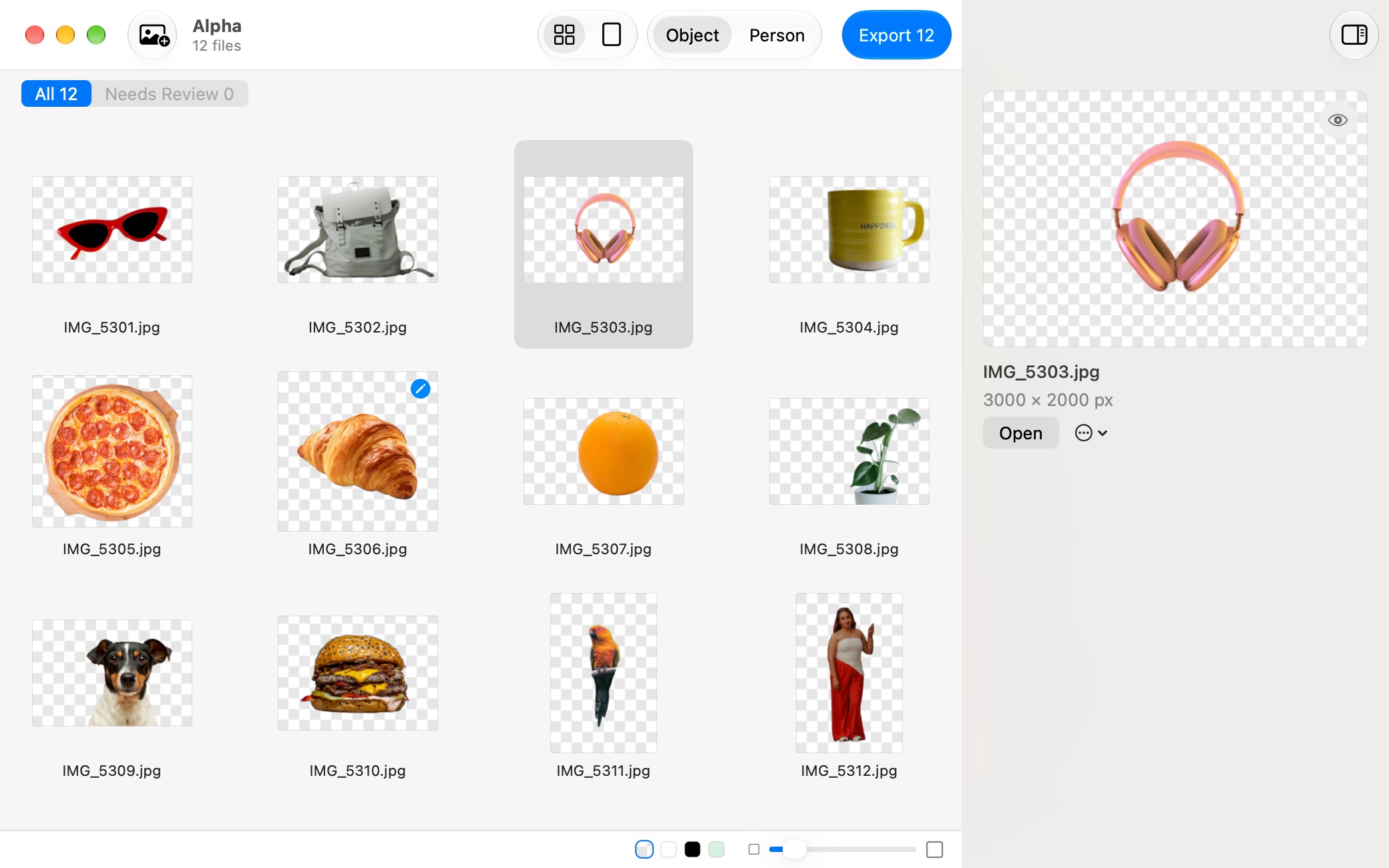
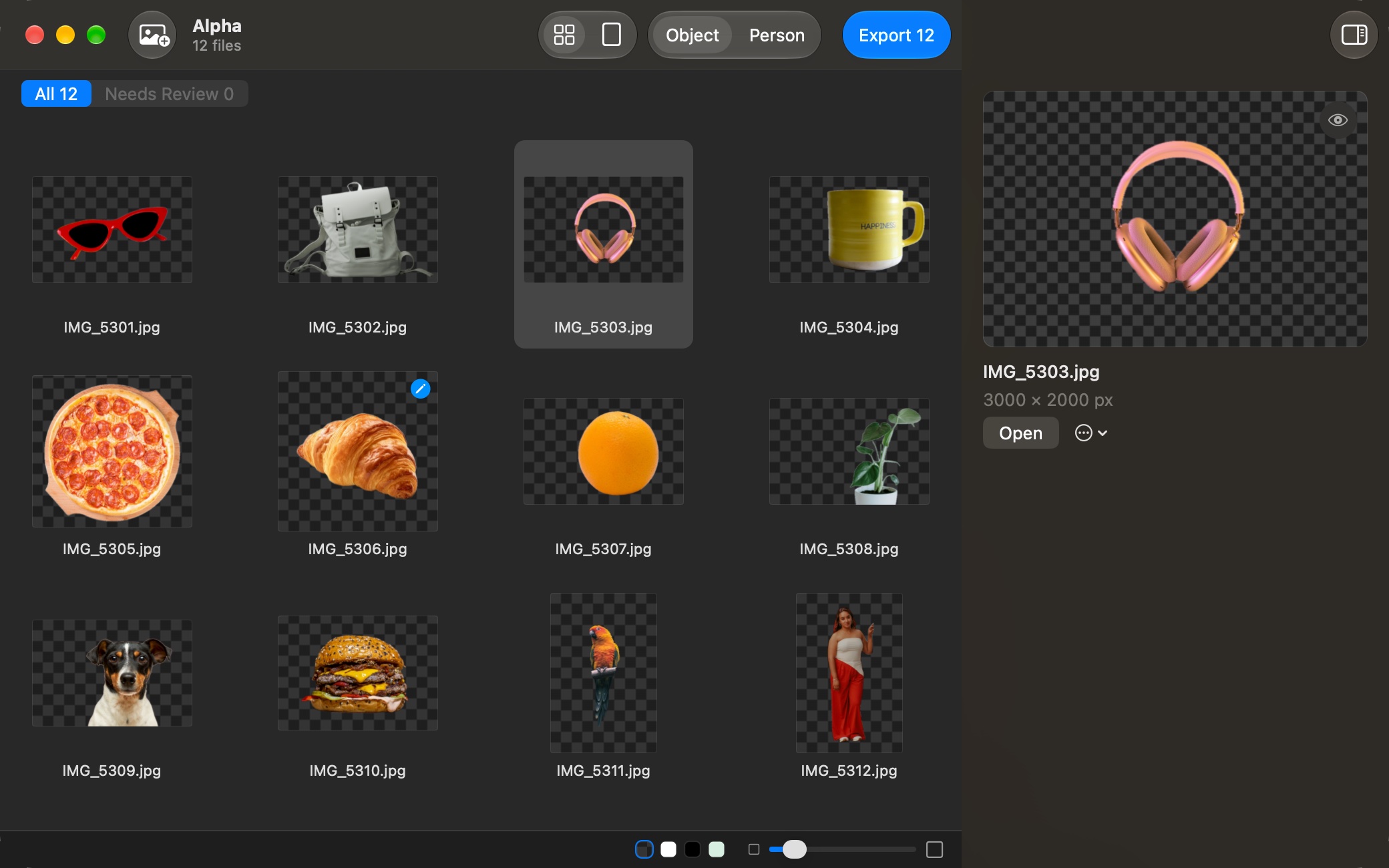
Drop dozens of photos, or a folder, into one window. Each one is cut out right away and the results appear in a grid. Double-click any of them to fix it in the same window.
Only what needs a look
Images where nothing was found, or that you edited by hand, carry a badge. Needs Review shows just those, so you don't have to check every result.
One Export for everything
Export saves every result as a transparent PNG into a folder you choose. Existing files are never replaced, and your originals stay as they are.
Take it anywhere
Drag the cutout to the Finder or another app, copy it with ⌘C, or share it via AirDrop, Messages and Notes. Wide-gamut (Display P3) photos keep their colour.
Made for the Mac
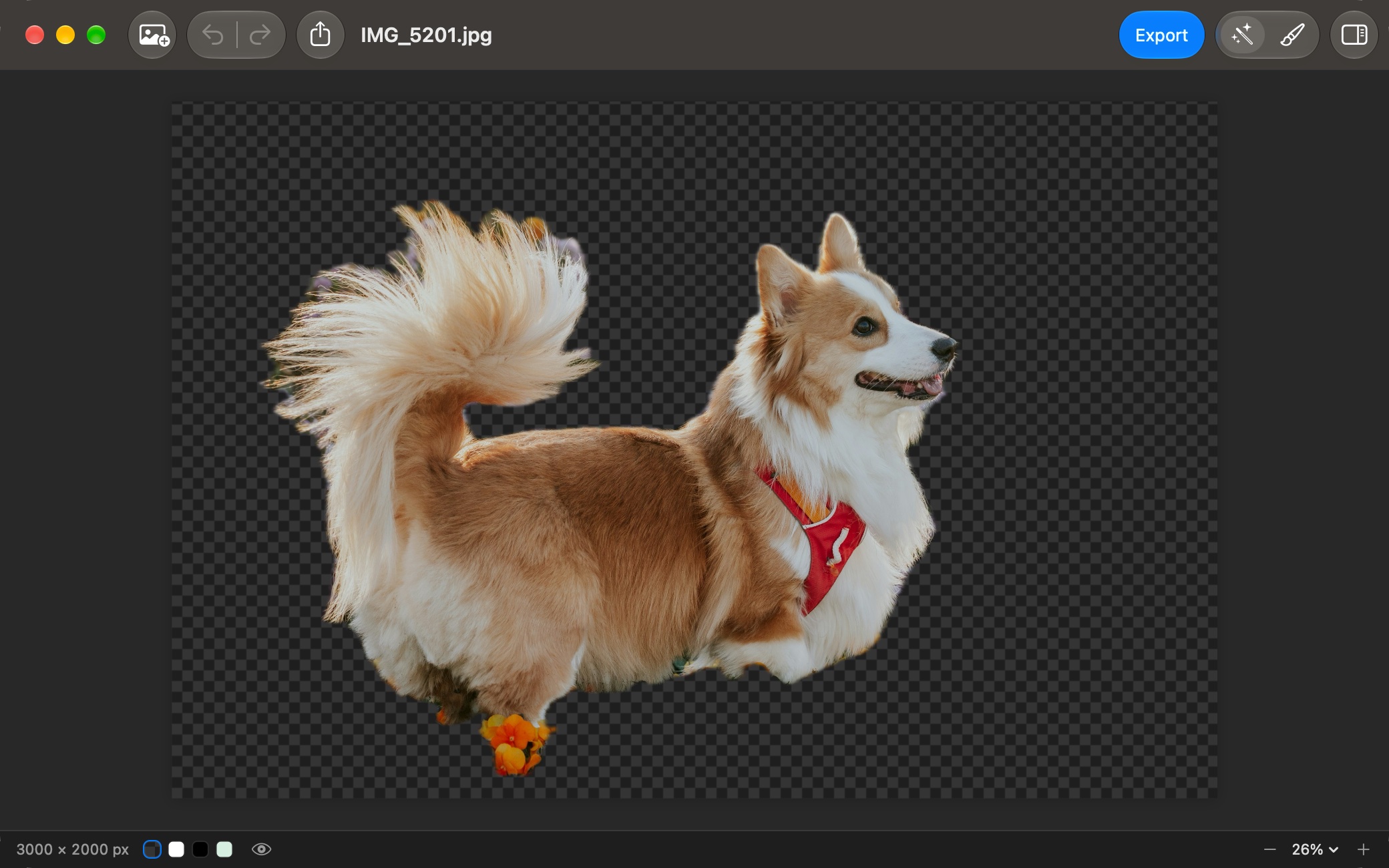
Opens JPEG, PNG, HEIC, WebP, TIFF and GIF, or a screenshot pasted with ⌘V. Checkerboard, white, black or any colour behind the cutout, pinch to zoom, keyboard shortcuts for everything. In 20 languages.
Privacy
Alpha doesn't collect any data. Its App Store privacy label reads “Data Not Collected”.
Details
- Requires
- macOS 14.0 or later
- Category
- Graphics & Design
- Price
- $3.99, one-time purchase
Support
Is Alpha the same app as Alpha Blender?
Yes. Alpha Blender is now called Alpha. If you bought it, the update is free: there's nothing to buy again.
Are my photos uploaded to a server?
No. Finding the subject, editing and exporting all happen on your Mac, without an internet connection.
Does it change my original files?
No. Every result is a new PNG file, “<name> (cutout).png”. When you export many at once, existing files are never replaced: a second export is saved as “… (cutout) 2.png”.
It found nothing, or the wrong thing. What now?
Try the other mode: Person instead of Object, or the other way round, for that image only or for the whole window. Then click to keep the right objects and use the brush for what's left.
Is there a subscription?
No. Alpha is a one-time purchase, with no subscription and no account.
Something else?
Write to [email protected]. Include your macOS version and what you were doing when the problem appeared.