JPEG Jackal
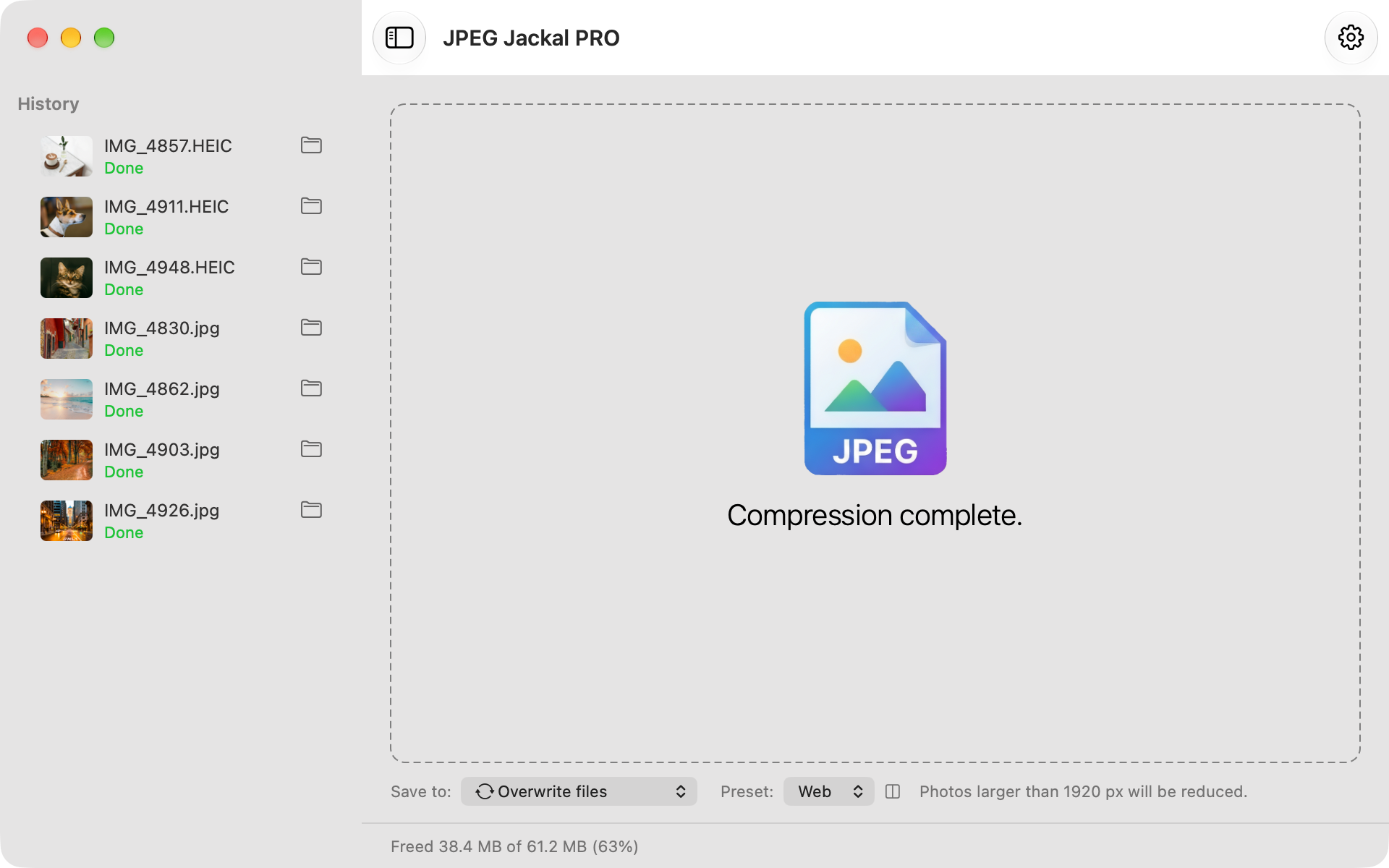
JPEG Jackal recompresses photos to take less disk space without visible loss. Drop a file or a whole folder and keep the result only when it's smaller. Start with the free Lite version; Standard and Pro add more control.
JPEG Jackal makes photos smaller before you send or upload them, and turns iPhone HEIC photos into JPEGs that open everywhere. Share photos to it from Photos and get compressed copies back; your originals stay as they are. Lite is free, with no limits or watermarks; Pro adds more control.
What it does
Mac ·
Smaller files, same photos
Compression is tuned to reduce size while keeping detail.
Files or whole folders
Drag a single photo or a folder of thousands onto the window.
Only when it helps
A photo is saved only if the result is noticeably smaller. The rest are left as they are.
Presets
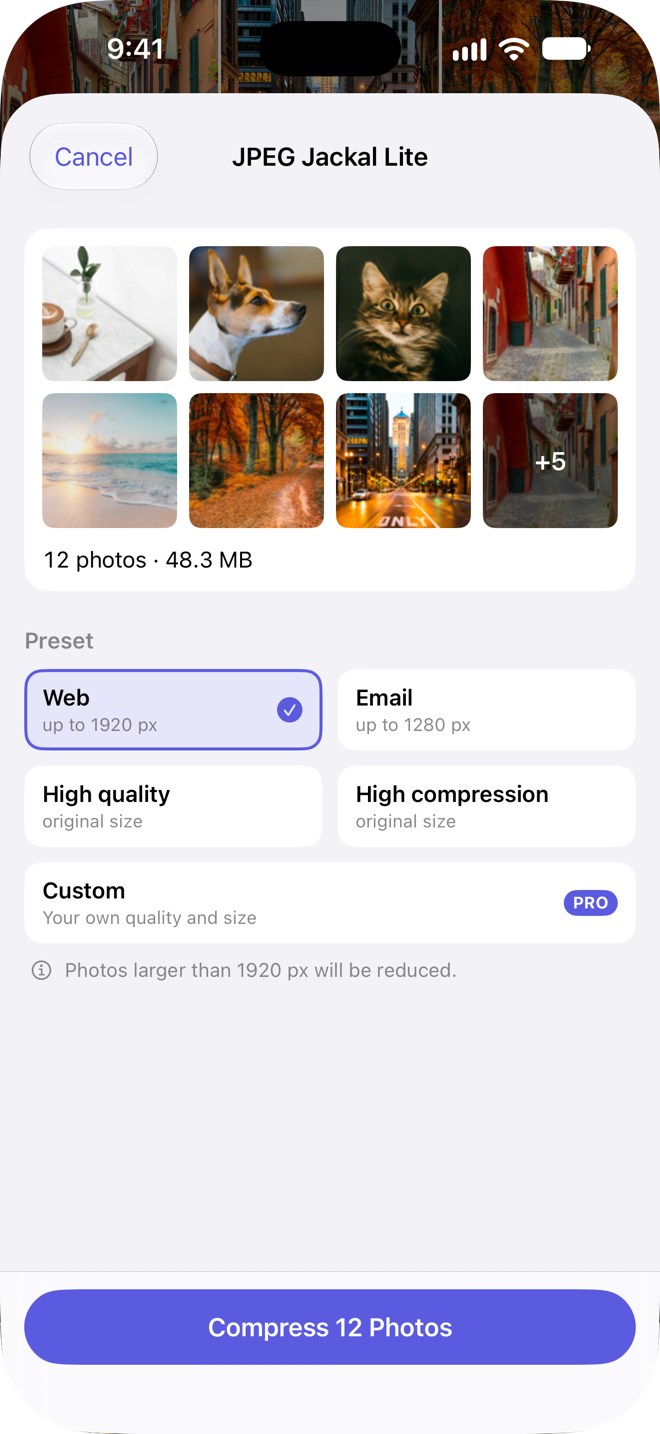
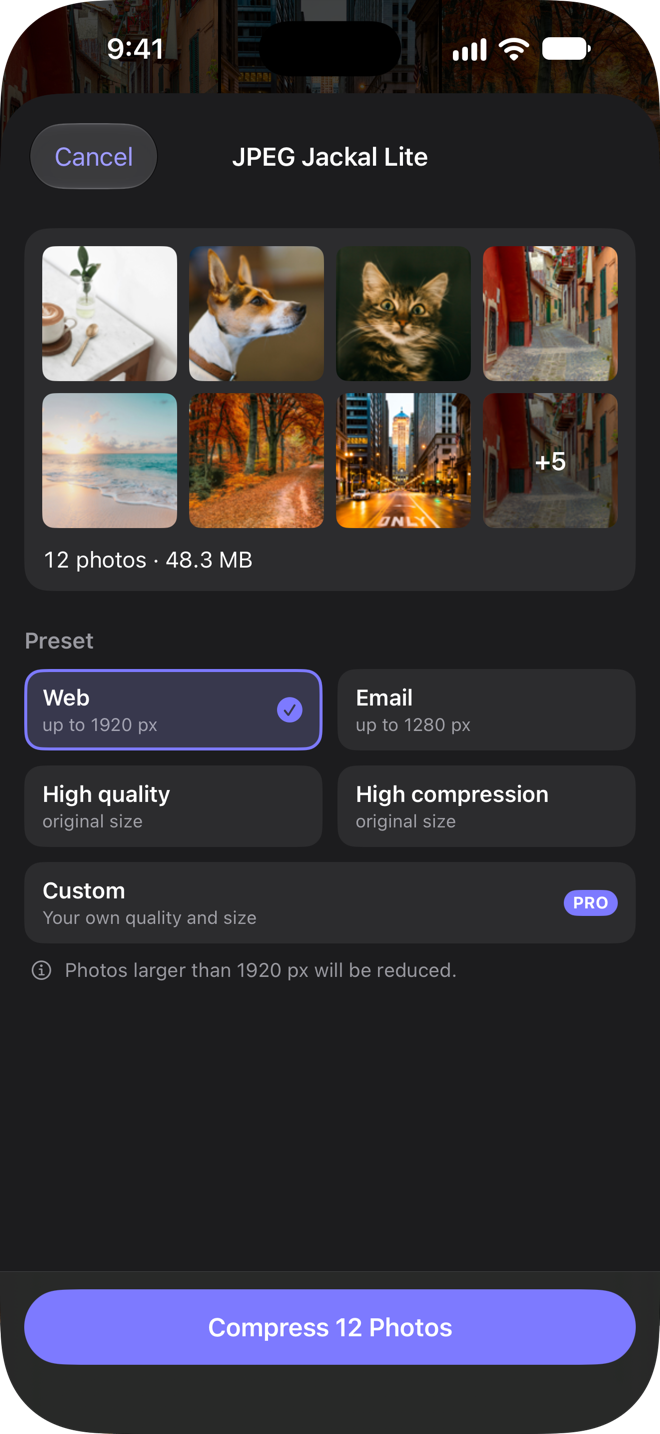
Web, Email, High quality and High compression, one click each.
Compress from Finder
Right-click photos or folders in Finder and choose the JPEG Jackal item under Services.
See the savings
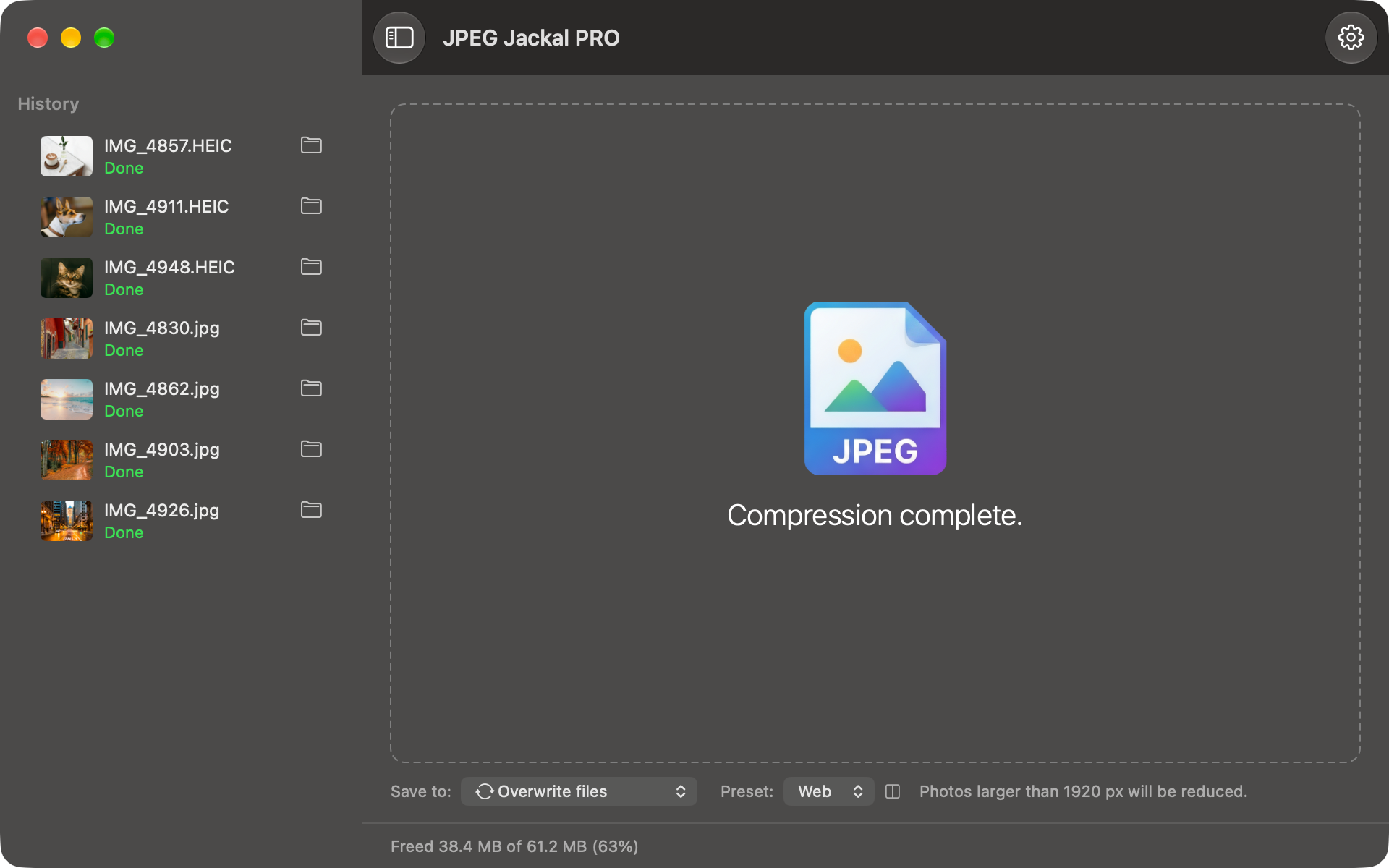
Space saved and compression ratio are shown as the work runs, with all-time totals.
Custom settingsStandard
Set your own quality and the largest width and height a photo is scaled down to.
Keep the originalsStandard
Save compressed copies to a folder of your choice instead of replacing the originals.
Subfolders tooStandard
Find photos in nested folders and keep the same folder structure in the output.
Drop on the menu barStandard
Drop files on the menu bar icon without opening the window.
HEIC and WebP to JPEGPro
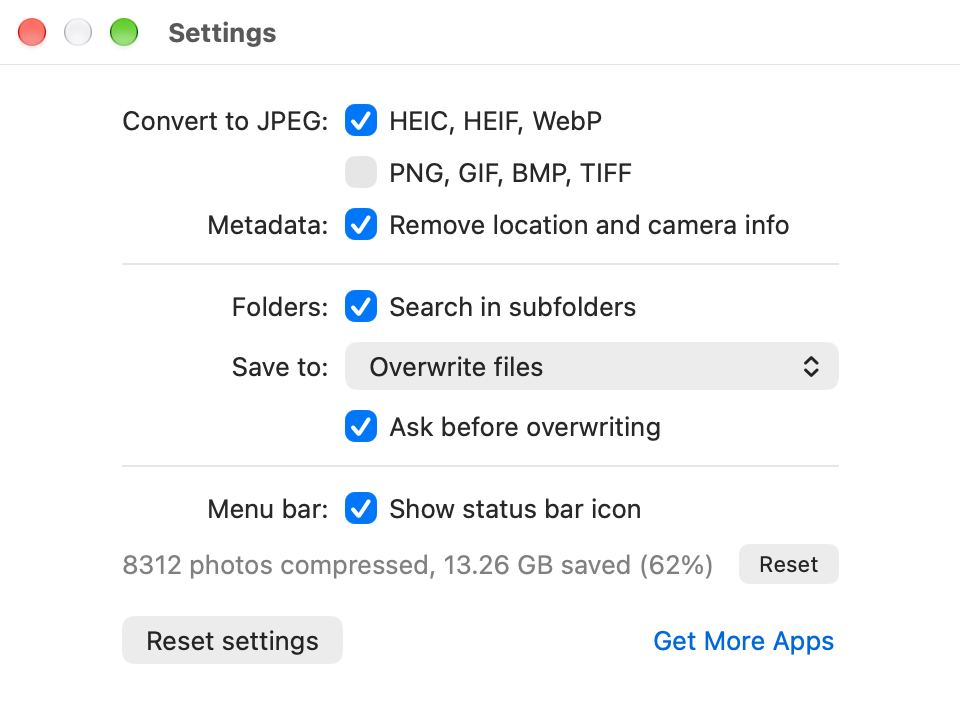
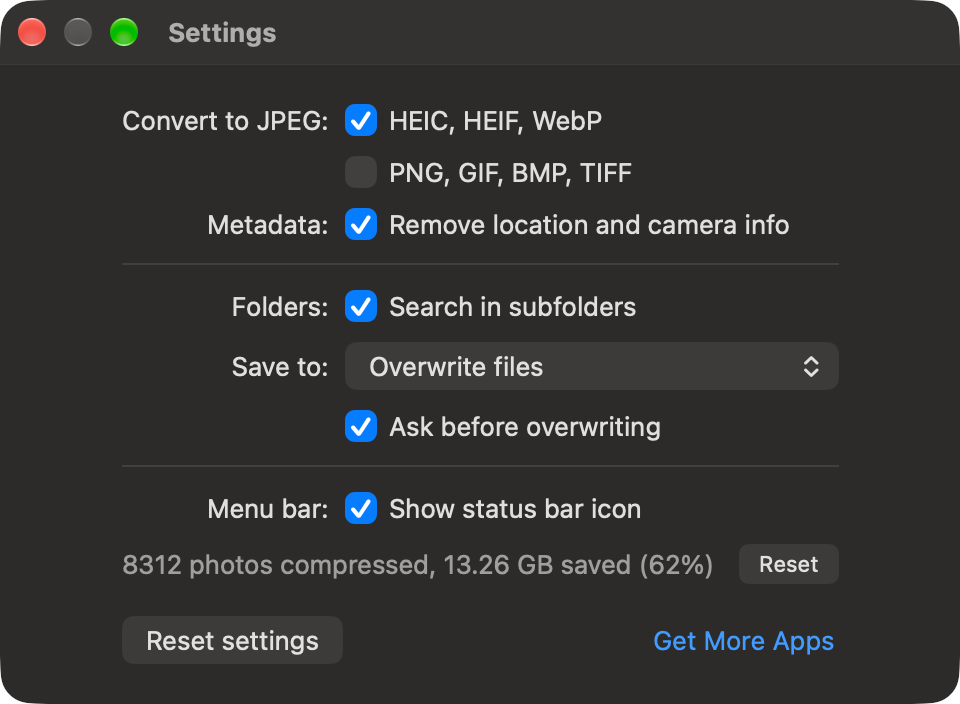
Convert iPhone HEIC photos and WebP images to JPEG in the same pass.
Compare before and afterPro
Drag a divider across the original and the result, zoom in, then compress.
Target file sizePro
Ask for a maximum size and JPEG Jackal picks the highest quality that fits.
Remove metadataPro
Strip EXIF, GPS location and camera data. Orientation and colour stay correct.
iPhone and iPad includedPro
Pro is one purchase for Mac, iPhone and iPad: install it on your iPhone or iPad with the same Apple Account and Pro is unlocked there too.
iPhone & iPad ·
Right from the Share menu
Select photos in Photos, tap Share and choose JPEG Jackal. Or open the app and pick up to 50 photos.
Smaller files, same photos
Compression is tuned to reduce size while keeping detail.
Presets
Web, Email, High quality and High compression, one tap each.
HEIC and WebP to JPEG
iPhone HEIC photos, WebP and PNG images come out as JPEGs that open everywhere.
Your originals stay as they are
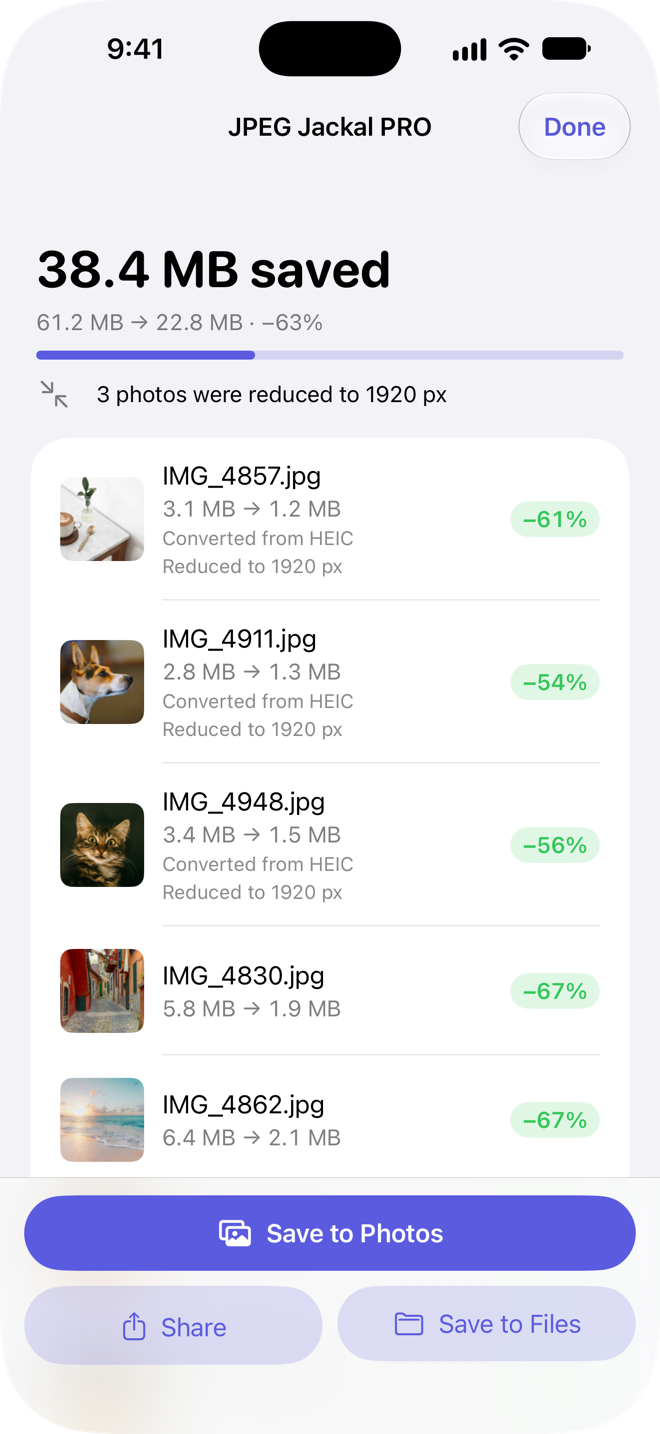
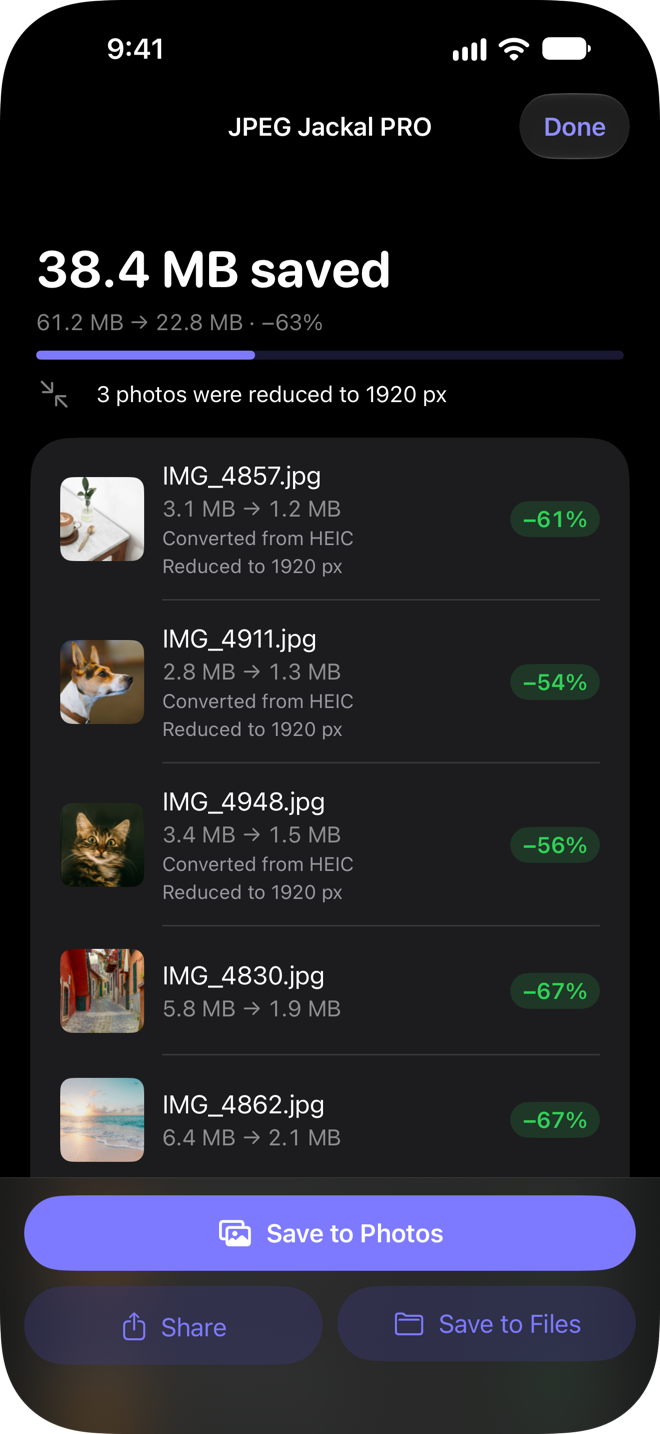
You get compressed copies: save them to Photos or Files, or share them right away.
See the savings
Each photo shows its size before and after, with the total saved for the batch.
Only when it helps
A JPEG that can't get noticeably smaller is passed on as it is.
On your device
Photos are compressed on your iPhone or iPad, without an internet connection.
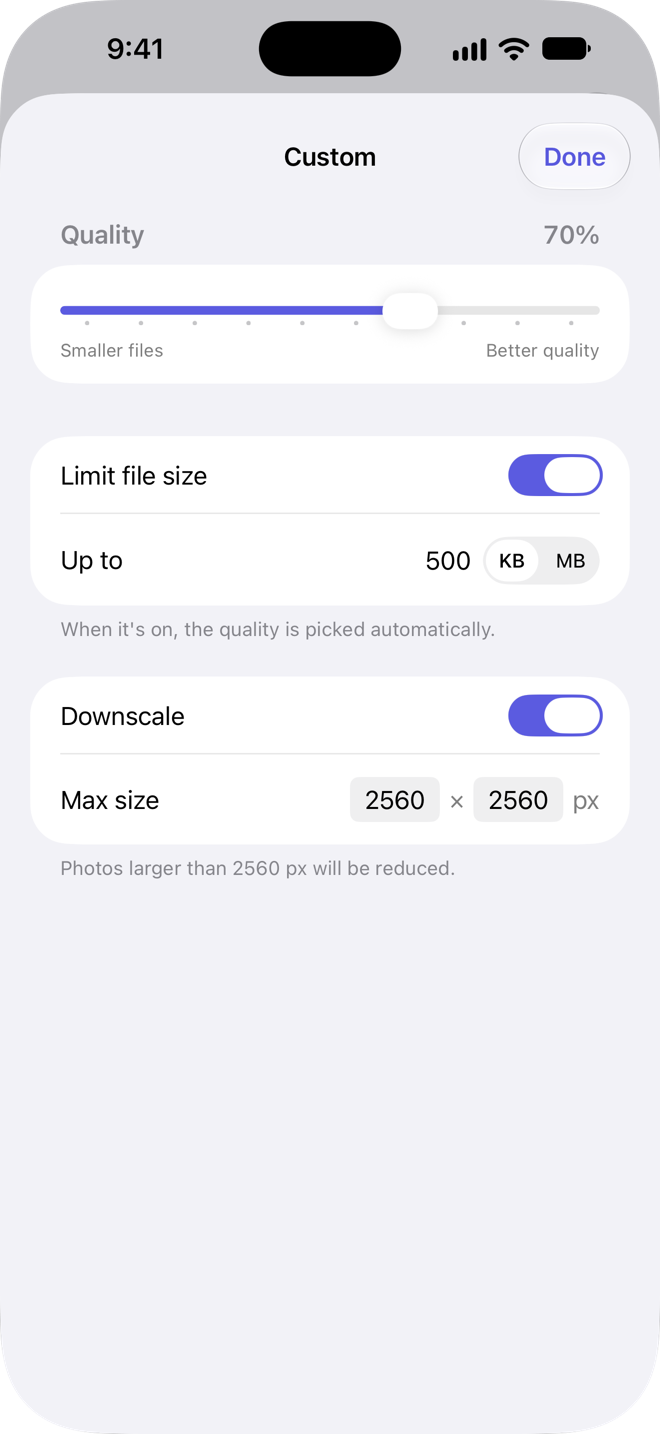
Custom settingsPro
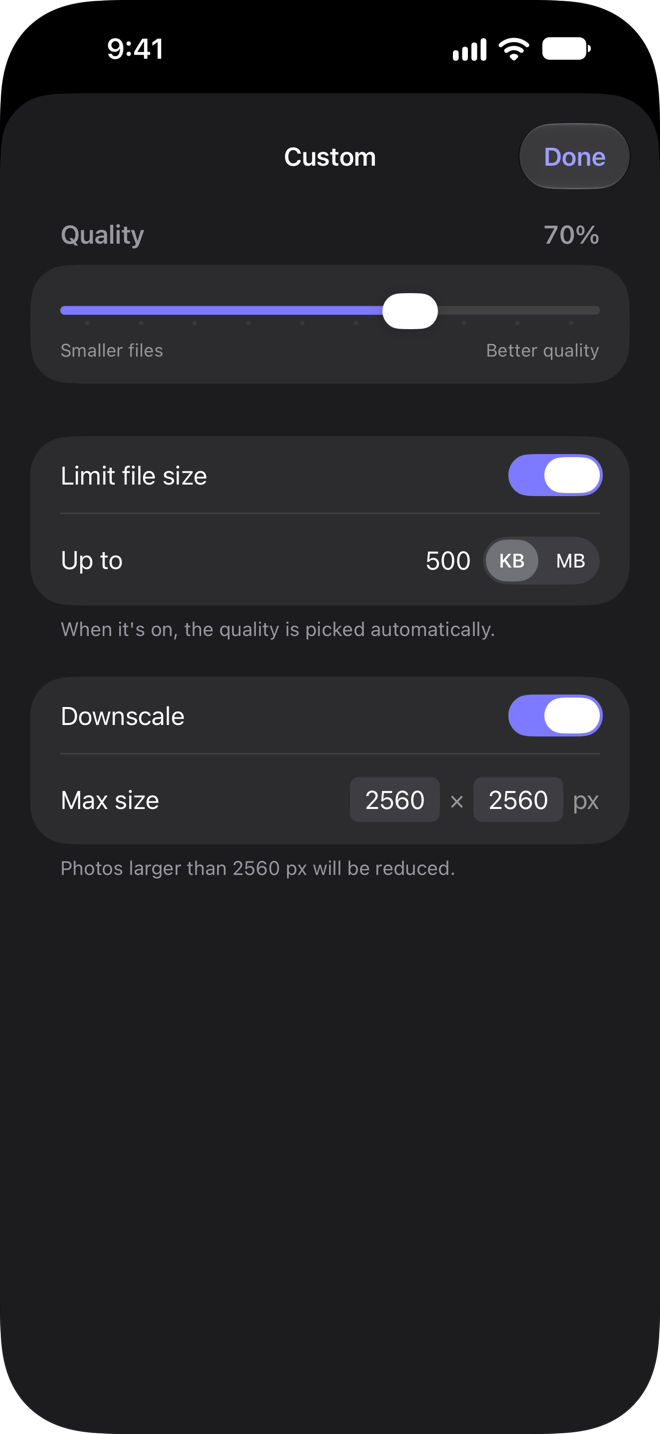
Set your own quality and the largest width and height a photo is scaled down to.
Target file sizePro
Set a limit, like 500 KB for an upload form, and JPEG Jackal picks the highest quality that fits.
Remove metadataPro
Share photos without location and camera data. Orientation and colour stay correct.
Mac includedPro
Pro is one purchase for iPhone, iPad and Mac: install it on your Mac with the same Apple Account and Pro is unlocked there too.
Compare versions
Mac ·
| LiteUpgrade to Standard or Pro inside the app. | StandardCustom settings and output folders. | ProEverything, including HEIC conversion and Compare. | |
|---|---|---|---|
| Smaller files, same photos | Included | Included | Included |
| Files or whole folders | Included | Included | Included |
| Only when it helps | Included | Included | Included |
| Presets | Included | Included | Included |
| Compress from Finder | Included | Included | Included |
| See the savings | Included | Included | Included |
| Custom settings | Not included | Included | Included |
| Keep the originals | Not included | Included | Included |
| Subfolders too | Not included | Included | Included |
| Drop on the menu bar | Not included | Included | Included |
| HEIC and WebP to JPEG | Not included | Not included | Included |
| Compare before and after | Not included | Not included | Included |
| Target file size | Not included | Not included | Included |
| Remove metadata | Not included | Not included | Included |
| iPhone and iPad included | Not included | Not included | Included |
| Price | FreeApp StoreGet | $1.99App StoreGet | $4.99App StoreGet |
Standard and Pro are also available as an in-app upgrade from Lite.
iPhone & iPad ·
| LiteUpgrade to Pro inside the app. | ProYour own settings, a file size limit and metadata removal. | |
|---|---|---|
| Right from the Share menu | Included | Included |
| Smaller files, same photos | Included | Included |
| Presets | Included | Included |
| HEIC and WebP to JPEG | Included | Included |
| Your originals stay as they are | Included | Included |
| See the savings | Included | Included |
| Only when it helps | Included | Included |
| On your device | Included | Included |
| Custom settings | Not included | Included |
| Target file size | Not included | Included |
| Remove metadata | Not included | Included |
| Mac included | Not included | Included |
| Price | FreeApp StoreGet | $4.99App StoreGet |
Pro is also available as an in-app upgrade from Lite. Either way, one purchase covers iPhone, iPad and Mac.
Privacy
JPEG Jackal doesn't collect any data. Its App Store privacy label reads “Data Not Collected”.
Details
- Requires
- macOS 12.0 or later
- Category
- Utilities
- Price
- Lite: FreeStandard: $1.99, one-time purchasePro: $4.99, one-time purchase
- Requires
- iOS 17.0 or lateriPadOS 17.0 or later
- Category
- Utilities
- Price
- Lite: FreePro: $4.99, one-time purchase
Support
What's the difference between Standard and Pro?
Standard adds custom quality and size settings, saving to another folder, subfolders and drops on the menu bar icon. Pro has everything in Standard plus HEIC and WebP conversion, before-and-after comparison, a target file size and metadata removal.
Should I upgrade inside Lite or buy the separate app?
You get the same features either way. An in-app upgrade unlocks Lite itself, so you can try the free version first; if you upgrade to Standard, you can move on to Pro there later. Standard and Pro are also sold as separate apps if you'd rather buy outright. These are separate purchases: an upgrade in Lite doesn't unlock the separate apps, and buying a separate app doesn't unlock Lite.
Will it overwrite my originals?
In Lite, a compressed photo replaces the original. Standard and Pro can save copies to another folder instead, and Pro lets you compare before and after first.
What happens to files that can't get smaller?
They are left as they are.
Something else?
Write to [email protected]. Include your macOS version and what you were doing when the problem appeared.
Do I need to buy Pro again for my iPhone, iPad or Mac?
No. Pro is one purchase for iPhone, iPad and Mac. If you bought JPEG Jackal Pro, install it on your other devices with the same Apple Account. If you upgraded to Pro inside Lite, Lite is unlocked on all of them.
Should I upgrade inside Lite or buy Pro?
You get the same features either way. The upgrade unlocks Lite itself, so you can try the free version first. These are separate purchases: the upgrade in Lite doesn't unlock the Pro app, and buying the Pro app doesn't unlock Lite.
I have JPEG Jackal Standard on my Mac. What do I get on iPhone?
Standard is Mac only; on iPhone and iPad there are Lite and Pro. If you unlocked Standard inside Lite on your Mac, Lite on iPhone and iPad offers Pro at a lower upgrade price.
Does it change the photos in my library?
No. JPEG Jackal makes compressed copies. Save to Photos adds them to your library next to the originals; Save to Files and Share leave the library as it is.
I can't find JPEG Jackal in the Share menu.
Scroll the row of app icons to the end and tap More, then choose JPEG Jackal Lite or JPEG Jackal PRO. You can also open the app and pick photos there.
Why does it ask for access to Photos?
Only to save: Save to Photos needs permission to add photos to your library. JPEG Jackal can't see the rest of your library; it gets only the photos you choose or share.
What happens to photos that can't get smaller?
A JPEG that can't get noticeably smaller comes back as it is, marked “Already optimized”, so it's still shared or saved with the rest.
Something else?
Write to [email protected]. Include your iOS or iPadOS version and what you were doing when the problem appeared.